Starting the Program
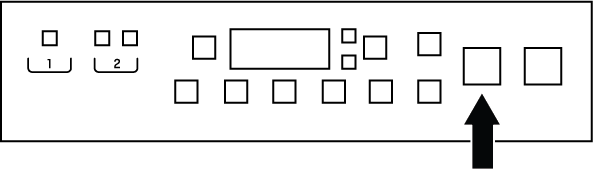
- Press the Start/Pause button for 1 second to start the program.
- Once the wash cycle has started, the Start/Pause button will turn blue and the loading door will be locked.
- Once the wash has started, check the HomeWhiz app to see what step the cycle is in.
NOTICE

If no program is started or no button is pressed within 10 minutes during program selection, the product will automatically turn off. The screen and all indicators will go off.
If you press the On/Off button, the information of the program currently selected by default will be displayed.